From idea to working screens
Describe an app. Get screens you can ship.
GOOEY builds real, runnable screens from your idea. Change anything by selecting it, keep only what you approve, and take the exact code with you.
One click: a hair-salon booking project with starter screens.
How it works
Step 1
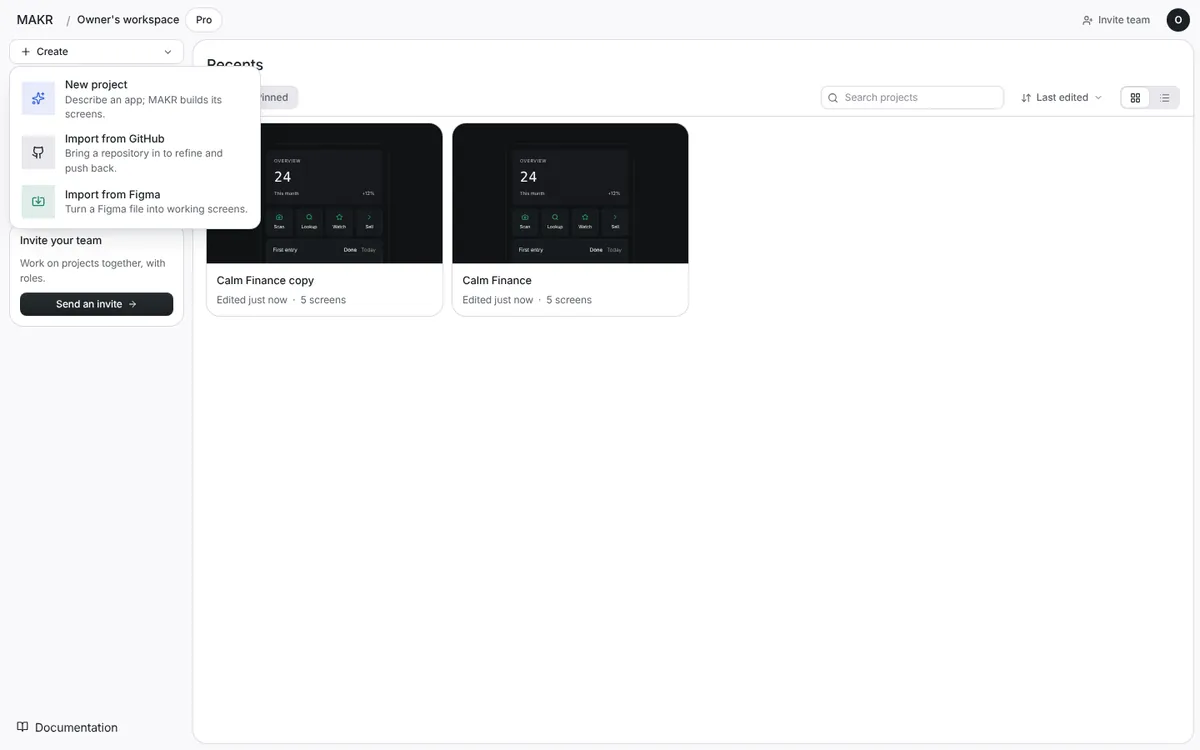
Describe it
Type the app you have in mind. GOOEY plans its screens and builds them in seconds, ready to run.
Step 2
Shape it
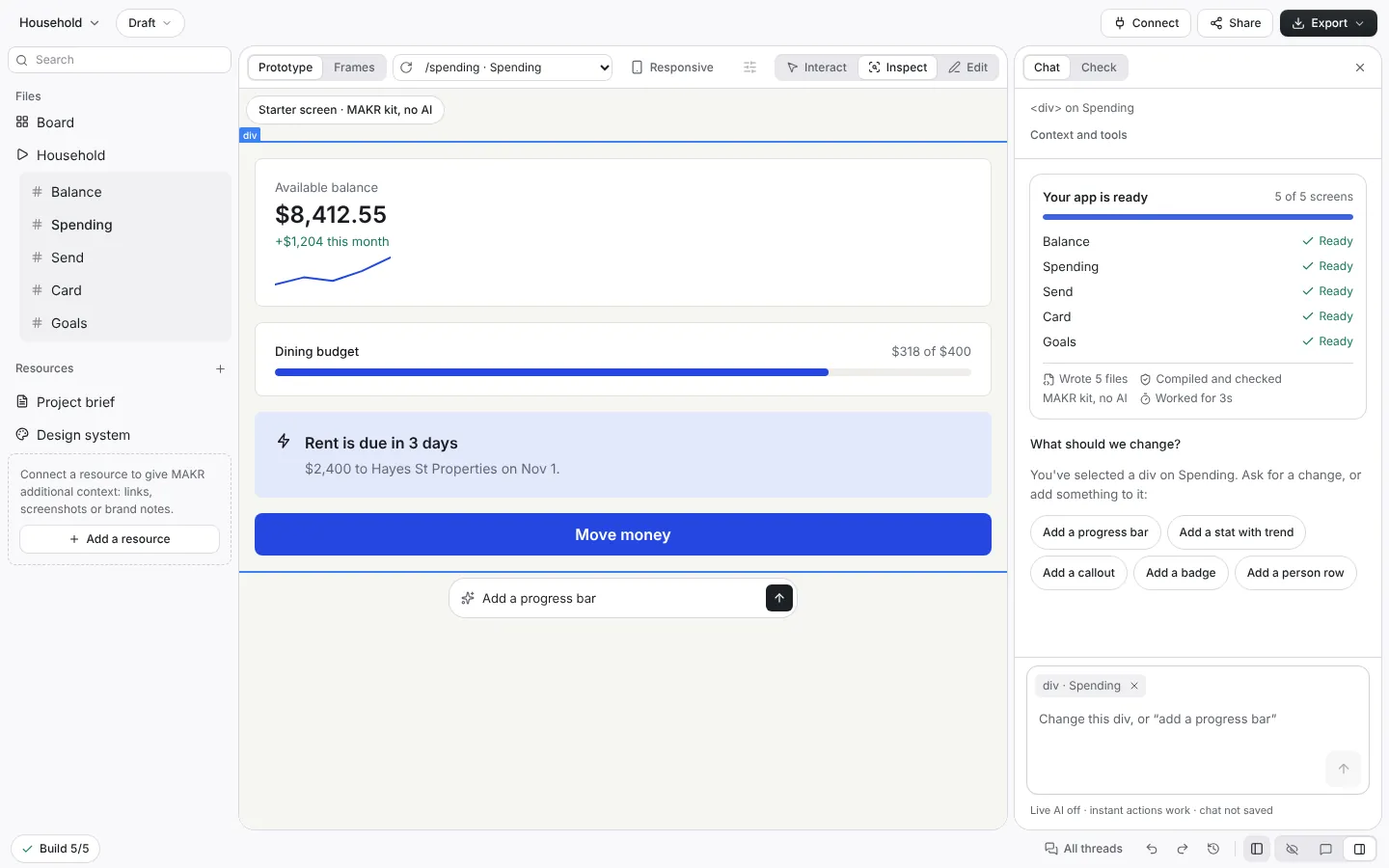
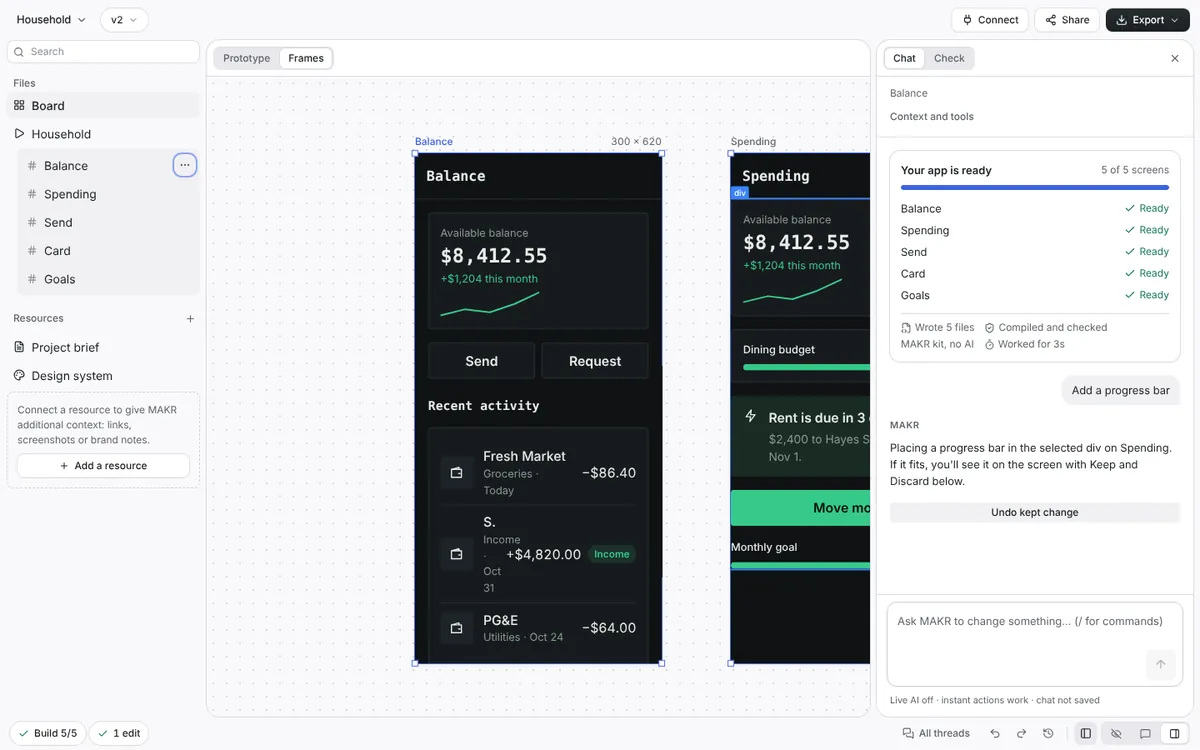
Select anything on a screen and say what should change, or edit it by hand. See every screen side by side on the board.
Step 3
Take it with you
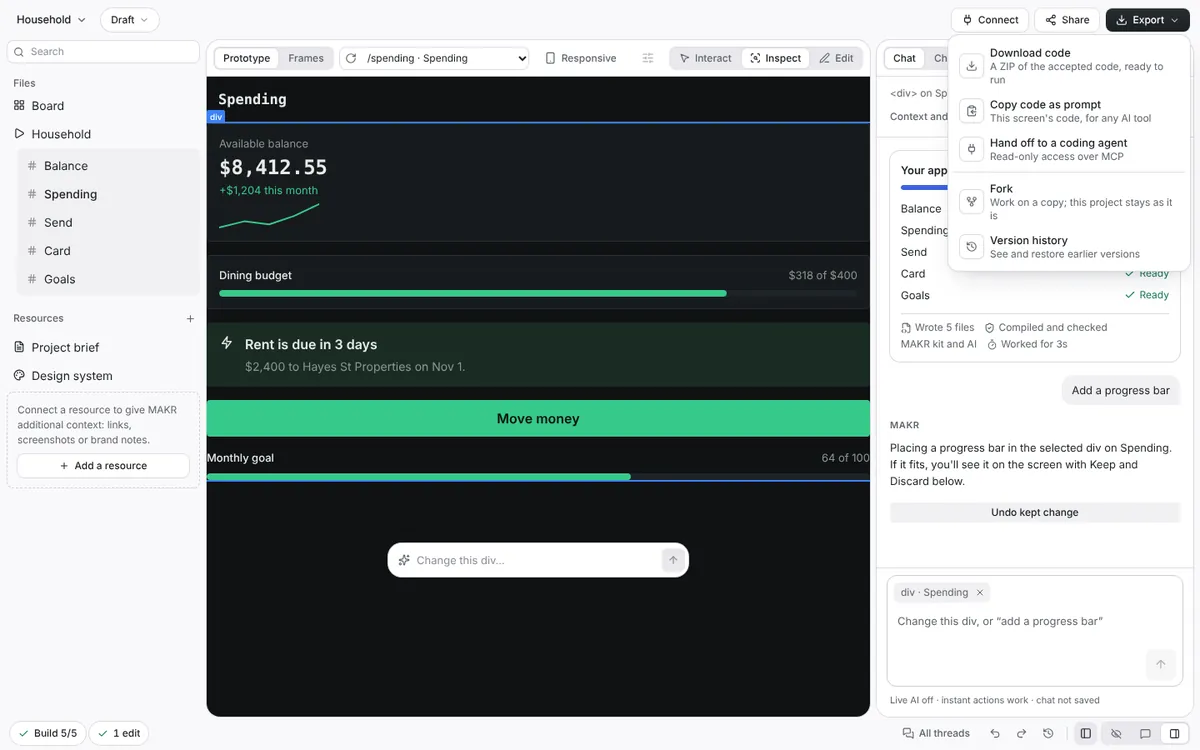
Download exactly the code you kept, copy a screen as a prompt, or hand it to your coding agent.
Built so you stay in control
Real screens, right away
Every project starts with working React screens built from the GOOEY UI kit, not mock-ups.
Select, then change
Click any element to change it, or type “add a progress bar” and it appears where you pointed.
Nothing changes without you
Every change waits for Keep or Discard, and Undo brings back exactly what you had.
Quality you can check
Contrast, tap targets and overflow are measured in a real browser, at phone and desktop size.
Your code, exactly
Download a ZIP of the code you kept, byte for byte, ready to run and own.
Works with your coding agent
Connect Claude Code, Cursor or any MCP client to read your design and code, read-only.
20 design styles, ready to apply
Pick a direction when you start, switch any time. Every style keeps its text readable: contrast is checked in every one.
Atlas
Mono
Oslo
Noir
Signal
Editorial
Forge
Pop
Ledger
Tide
Press
Circuit
Start with an idea
Your first screens are ready in seconds. No setup, and the code is yours.